
Admiral Console
The Admiral Console is where you set how your operation should run. Define what is allowed, what is required and what should be prevented, connect the information Admiral needs, and manage exceptions when the operating plan changes. Whichever way you set it up, the result is the same. The operating plan reaches the asset, where the Hub can evaluate it locally and the Lock, Immobilizer or Electronic Gladhand can enforce it physically.
Three Ways to Set It Up

Configure It
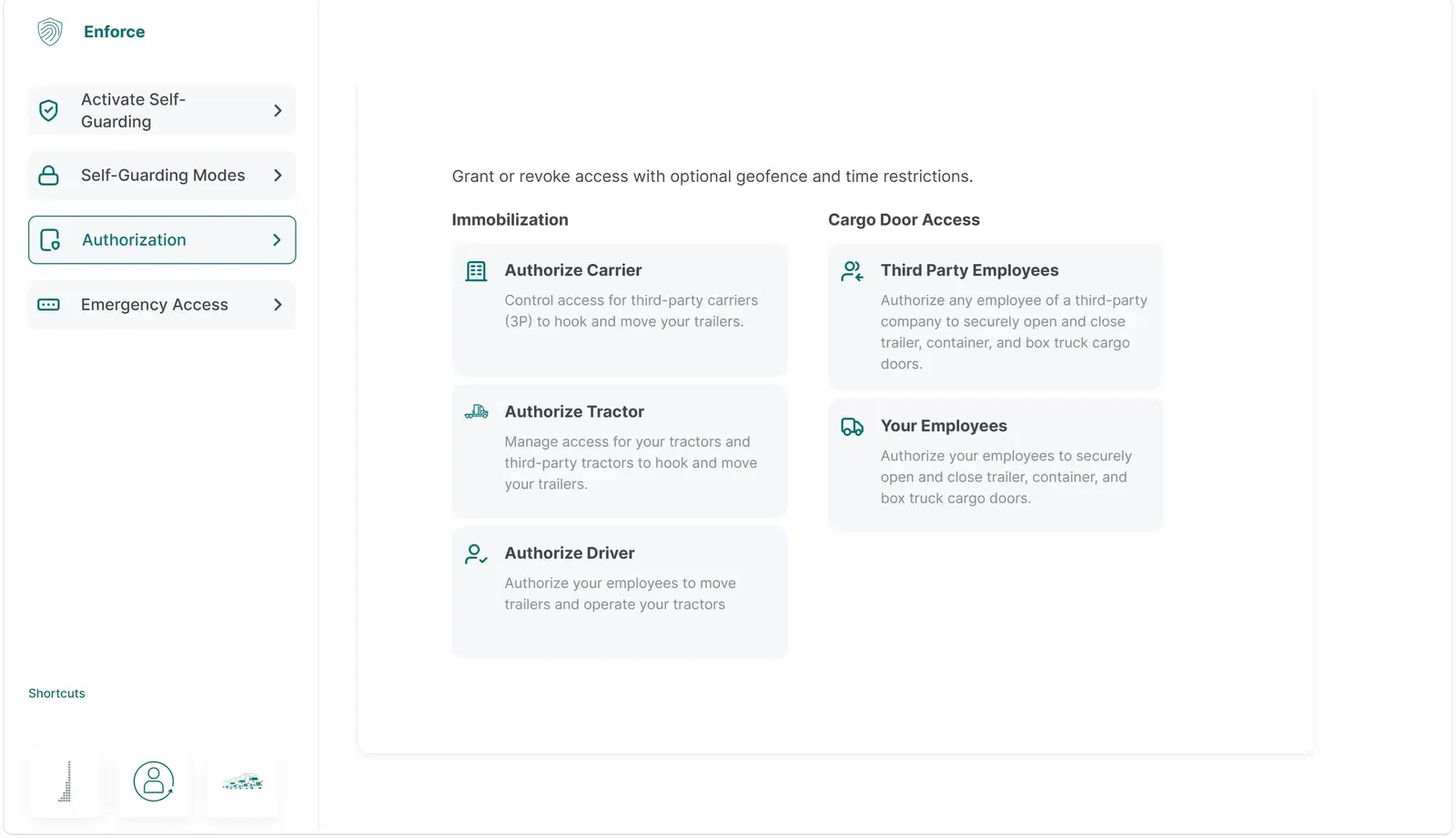
Use menu settings to create rules based on location, time, asset state, tractor identity and other operating conditions.

Integrate It
Connect existing transportation systems through our APIs, which create, update and remove Admiral rules, so dispatch, load and maintenance data drives Admiral automatically.

Teach It
Describe how your operation works and provide the policies Admiral should use. Admiral turns those instructions into executable asset rules.
Solutions
Set the Operating Plan

Decide what should be allowed, what is required and what should be prevented, using the conditions your operation already runs on.
Send It to the Asset
The operating plan reaches the asset, where the Hub evaluates it locally. Rules carried by the asset still apply when network connectivity is unavailable.
Review and Intervene
Authorized users can see asset state, review what physically happened, manage exceptions and step in when the operating plan changes.